Is a Portable Monitor Worth It for Remote Work?
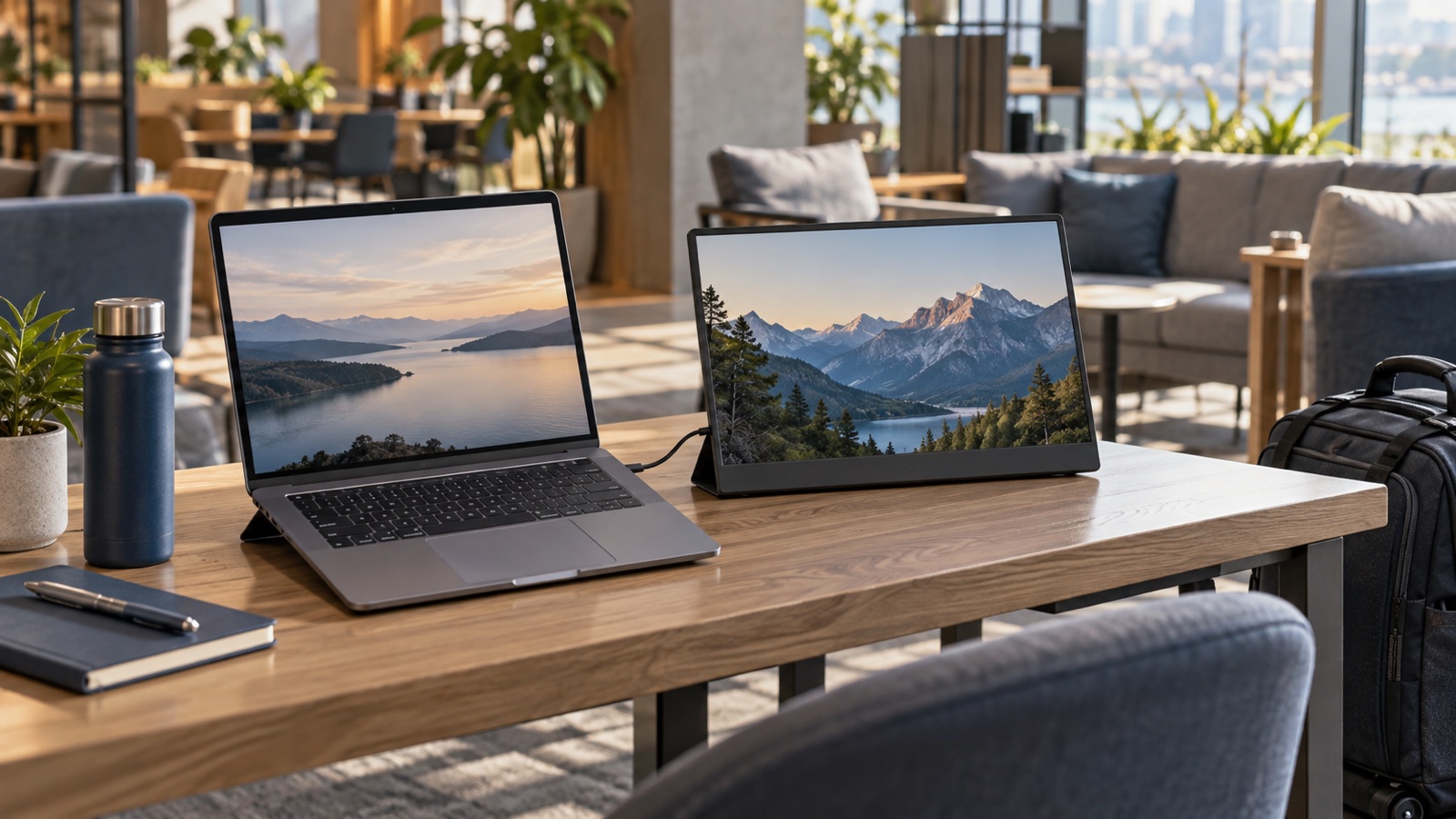
A portable monitor is useful when a second screen repeatedly saves time away from home. It is poor value when setup, power, and fragile packing outweigh the extra workspace.
How this article was prepared
This article is based on comparative research, published product documentation, pricing review, and practical workflow analysis. We do not claim hands-on testing unless the article explicitly says so.
Read the editorial policyA portable monitor promises the productivity of a two-screen desk inside a laptop bag. That can be useful for spreadsheets, research, editing, and client presentations. It can also add a panel, cable, stand, sleeve, and power problem to every short work session.
The purchase makes sense only when the second screen has a repeatable job.
Start with the task, not the screen size
List the work that feels constrained on one display. A portable monitor can keep reference material beside a document, show a full preview next to editing controls, or separate a call gallery from notes.
If the second screen would mostly hold email or chat, better window shortcuts may solve the problem with no extra hardware. Try a week using virtual desktops, split-screen layouts, and focused full-screen work before buying.
Where a portable monitor helps
It is a strong fit for people who spend full workdays in the same temporary location: a client office, shared studio, long hotel stay, or recurring coworking desk. The setup cost is paid once, then the extra screen remains useful for hours.
It can also be valuable for demonstrations. A second display lets you keep controls on the laptop while showing a clean presentation or preview to someone across the table.
Where it becomes luggage
For short café sessions or frequent location changes, unpacking and aligning another display may take longer than the task benefits. The panel needs protection, and some included covers provide a weak stand that occupies surprising depth.
Add the true carry weight: monitor, sleeve, cables, charger, stand, and any adapter. Compare that total with the travel-friendly laptop setup you already use.
Check the laptop connection
One USB-C cable is the cleanest arrangement, but only when the laptop port supports the required display output and can provide enough power. Otherwise, the monitor may need separate power and a video cable.
Confirm brightness and stability under the exact connection you plan to use. A display that works from wall power may become dim or disconnect when relying on the laptop alone.
Also verify whether connecting the monitor meaningfully reduces laptop battery life. A portable battery may solve that issue but adds another device to the bag.
Stand design matters more than it looks
A good stand should hold the display at a readable angle on the tables you encounter. Folding cover-stands can be compact but may slip on small or uneven surfaces. A separate stand offers more control at the cost of another item.
Place the second screen so you can turn toward it rather than looking sharply downward. If both laptop and monitor sit flat on the table, the extra workspace may create more posture strain than a single raised laptop.
Choose resolution and brightness for the environment
Very high resolution on a small panel can require scaling, reducing the usable workspace gained. Consistent brightness and readable text are usually more valuable than a headline pixel count.
Glossy screens may look vivid but reflect windows and overhead lighting. If you work in unpredictable rooms, test reflection handling and maximum usable brightness during the return period.
The practical verdict
A portable monitor is worth it when you repeatedly work for several hours away from a permanent desk and can name the task that belongs on the second screen. Skip it when mobility and fast setup are the priority. The best travel setup is the smallest one that supports the real work, not a compressed copy of every device at home.